
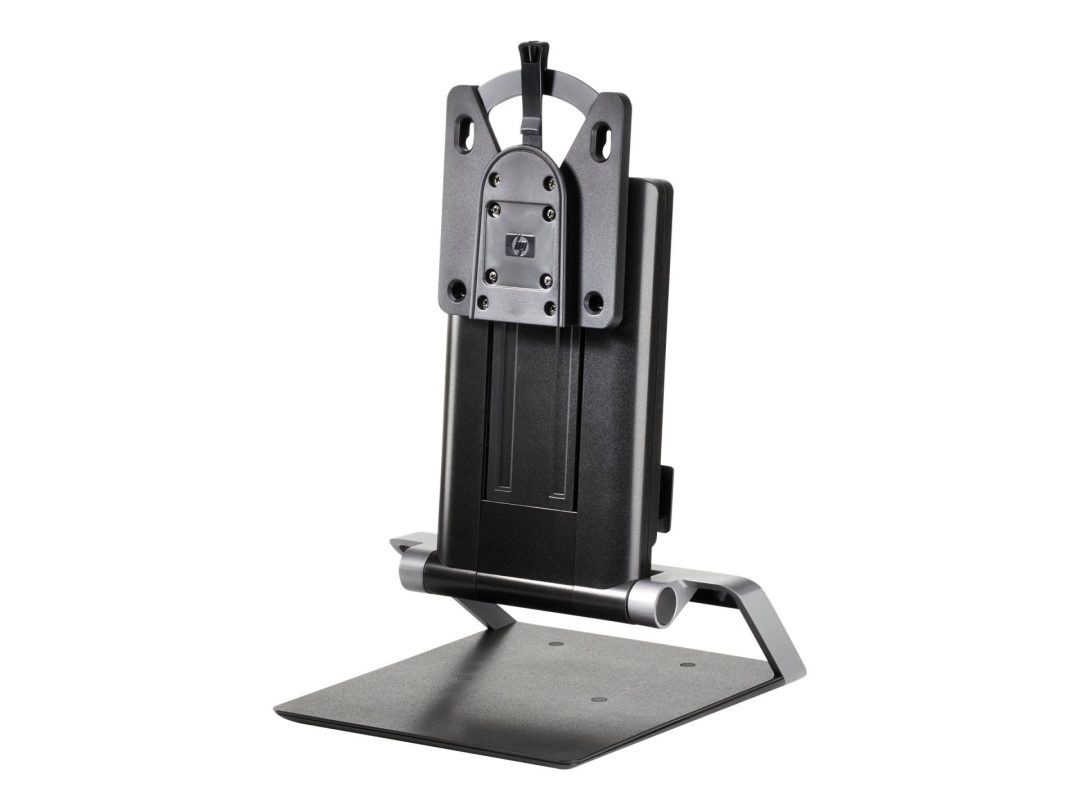
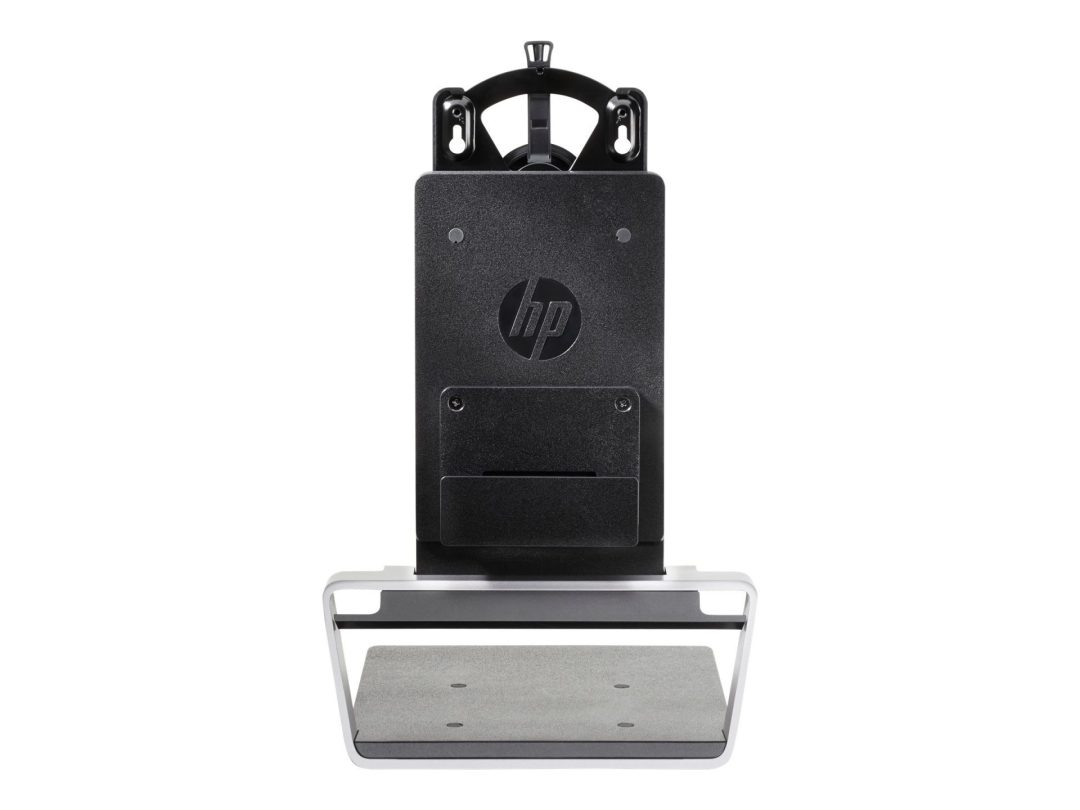
HP Integrated Work Center Desktop Mini/TC Mount
Original price was: R1889,00.R1769,00Current price is: R1769,00.
The HP Work Center mount is the official HP mounting solution that attaches an HP Desktop Mini or Thin Client to the rear of a compatible HP monitor — eliminating the mini PC from the desk surface entirely and creating a clean, integrated workstation where the computer is hidden behind the display. Designed for HP commercial deployments, hot-desk environments and any installation where desk space, cable management and a consistent workstation aesthetic are priorities, it is the official HP accessory that makes the Desktop Mini truly disappear into the setup.
- Official HP mount for Desktop Mini and Thin Client models
- Attaches mini PC to the rear of a compatible HP monitor
- Eliminates mini PC from the desk surface
- Integrated cable management for a clean workspace
- Compatible with select HP monitor VESA mounting points
- All mounting hardware included
Out of stock
HP Integrated Work Center Mount — Desktop Mini and Thin Client
The HP Work Center mount is the official HP accessory. It attaches an HP Desktop Mini or Thin Client to the rear of a compatible HP monitor. When installed, the HP Desktop Mini or Thin Client sits behind the display, completely off the desk surface. The desk gains full usable surface area. The computer is visually part of the monitor rather than a separate unit occupying desk space. This is the primary purpose of the HP Work Center mount — creating a tidy, space-efficient workstation from HP Desktop Mini and Thin Client hardware.
The HP Work Center mount suits commercial deployments where consistent, clean workstation installations are required across many desks. Hot-desk environments benefit from the mount. A configuration where the monitor carries the computer simplifies hot-desking by reducing cable connections and removing the mini PC from the risk of accidental displacement. Integrated cable management keeps cables routed neatly from the mini PC behind the monitor to peripheral connections at the front. All mounting hardware for the HP Work Center mount is included. Installation requires only a standard screwdriver and a few minutes of setup time.
HP Monitor and Mini PC Compatibility
The HP Work Center mount is compatible with select HP monitors and HP Desktop Mini and Thin Client models. Verify compatibility between your specific HP monitor and mini PC models before ordering. Browse HP accessories and monitor mounts from the Briggi Tech monitors range. For full compatibility details, visit the HP official website.
Order the HP Work Center mount from Briggi Tech today. Create a clean, integrated HP workstation by mounting your Desktop Mini or Thin Client directly behind your HP monitor.
Only logged in customers who have purchased this product may leave a review.
Related products
-
Sale!
 Monitor Stands & Mounts
Dell Pro Slim All-in-One Stand OSS25
Original price was: R3419,00.R3199,00Current price is: R3199,00. Add to basket -
Sale!
 Monitor Stands & Mounts
Dell Micro Form Factor All-in-One Stand MFS22
Original price was: R2289,00.R2139,00Current price is: R2139,00. Add to basket


Reviews
There are no reviews yet.