
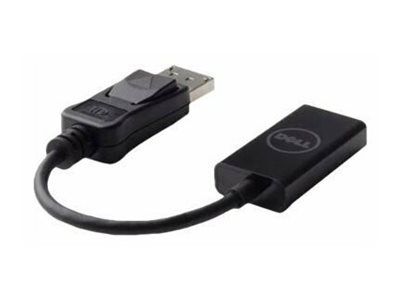


Dell DisplayPort to HDMI 2.0 4K Adapter
Original price was: R529,00.R499,00Current price is: R499,00.
The Dell DisplayPort to HDMI adapter converts a DisplayPort video output to HDMI 2.0 — supporting 4K (3840×2160) at 60Hz for a full 4K display experience when connecting a DisplayPort source to an HDMI monitor, TV or projector. As the official Dell adapter, it is validated for use with Dell PCs, workstations and docking stations for reliable 4K HDMI output from any Dell DisplayPort source. If your Dell PC has DisplayPort but the display uses HDMI, this is the correct Dell adapter for the connection.
- Dell official DisplayPort to HDMI 2.0 adapter
- Supports 4K (3840×2160) at 60Hz
- Converts DisplayPort output to HDMI 2.0 input
- Passive adapter — no external power required
- Compact form factor for direct port connection
- Dell validated for Dell PC and workstation platforms
Availability: 133 in stock
Dell DisplayPort to HDMI Adapter — 4K 60Hz HDMI 2.0
The Dell DisplayPort to HDMI adapter is the official Dell passive adapter. It converts a DisplayPort video output to HDMI 2.0 format. It supports 4K (3840×2160) resolution at 60Hz — the full 4K 60Hz display specification provided by HDMI 2.0. This is the correct adapter for connecting a Dell PC, workstation or docking station with DisplayPort output to a monitor, television or projector with an HDMI input. Without an adapter, the signal formats are incompatible and no display connection can be established between a DisplayPort source and an HDMI display.
The Dell DisplayPort to HDMI adapter is passive. It converts the DisplayPort signal to HDMI format without any external power supply or USB connection. No drivers are needed. Connect the adapter to the DisplayPort port, connect the HDMI cable to the adapter’s HDMI port and the display connection is established immediately. The compact form factor allows the adapter to sit directly in the DisplayPort port without a cable. The connection stays clean and the adapter securely positioned. Dell validation ensures correct compatibility and signal performance with Dell PC and workstation platforms.
4K 60Hz DisplayPort to HDMI 2.0 Requirement
For 4K 60Hz output, both the source’s DisplayPort output and the adapter must support HDMI 2.0. Standard DisplayPort to HDMI 1.4 adapters are limited to 4K at 30Hz. This Dell DisplayPort to HDMI adapter supports HDMI 2.0 for the full 4K 60Hz experience. Browse Dell adapters from the Briggi Tech accessories range. For full details, visit the Dell official website.
Order the Dell DisplayPort to HDMI adapter from Briggi Tech today. Connect your Dell DisplayPort source to any HDMI 2.0 display at full 4K 60Hz resolution with the official Dell validated adapter.
Only logged in customers who have purchased this product may leave a review.
Related products
-
Sale!
 Cables & Adaptors
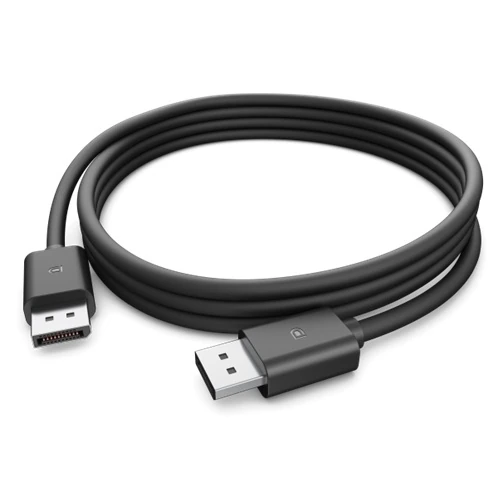
Dell DisplayPort 1.4 Cable 470-BDNL
Original price was: R319,00.R299,00Current price is: R299,00. Add to basket -
Sale!
 Cables & Adaptors
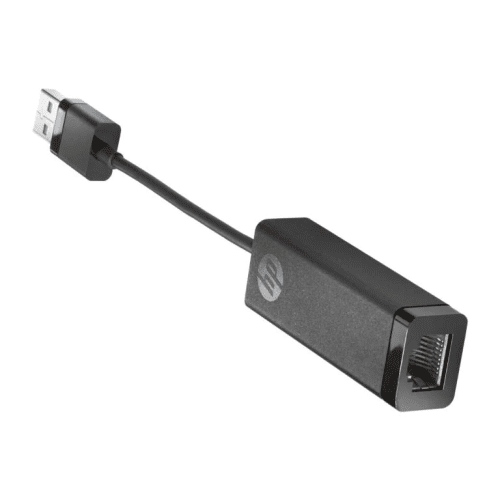
HP USB 3.0 to Gigabit RJ45 Adapter G2 4Z7Z7AA
Original price was: R409,00.R379,00Current price is: R379,00. Add to basket -
Sale!Cables & Adaptors
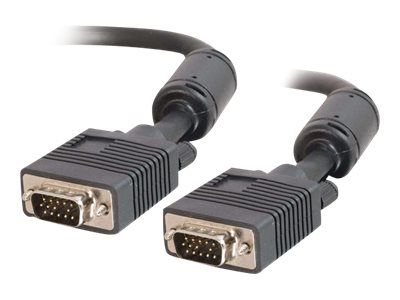
Dell VGA Cable Male-to-Male 1m Black
Original price was: R339,00.R319,00Current price is: R319,00. Add to basket -
Sale!Cables & Adaptors
Dell 90W 4.5mm Barrel AC Power Adapter
Original price was: R789,00.R739,00Current price is: R739,00. Add to basket


Reviews
There are no reviews yet.