
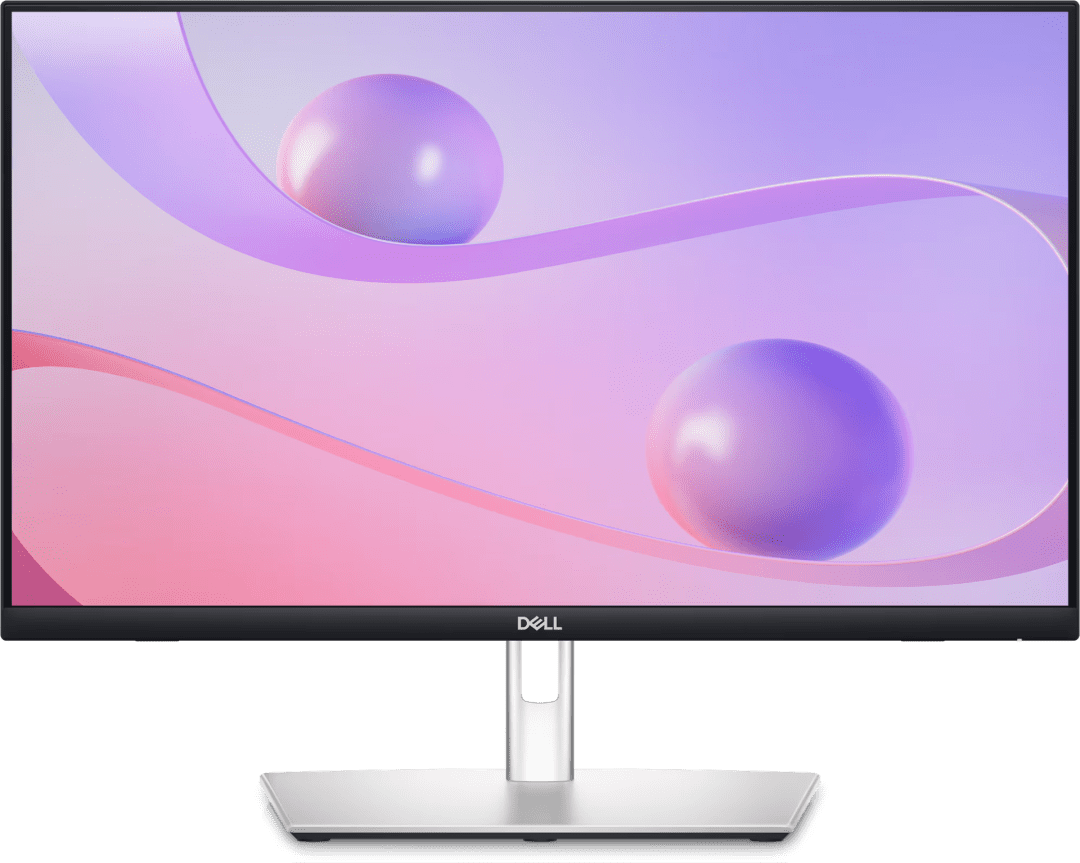
Dell 24 Touch USB-C Hub Monitor (23.8″, FHD)
Original price was: R10249,00.R9339,00Current price is: R9339,00.
- Dell 24 Touch USB-C Hub Monitor 23.8″ FHD (1920×1080)
- 10-point touch display for Windows touch interaction
- USB-C with 65W power delivery for single-cable laptop connection
- Built-in USB hub for peripheral connectivity
- Full ergonomic adjustment: height, tilt, swivel
- Suited to interactive workstations and kiosk applications
Out of stock
The Dell 24 touch monitor is a 23.8-inch FHD 10-point touchscreen display with USB-C hub and 65W power delivery, designed for South African workstations that benefit from touch interaction — including creative professionals using stylus input, interactive kiosk environments and tablet-mode laptop users.
Dell 24 Touch USB-C Monitor — 23.8″ FHD Touchscreen with Hub
The 10-point multi-touch display supports Windows 11 touch gestures, stylus input with compatible pens and standard touch interaction for applications that support touch. USB-C with 65W power delivery connects a compatible laptop with a single cable. The built-in USB hub provides ports for peripherals connected through the monitor rather than directly to the laptop. Full ergonomic adjustment covers height, tilt and swivel for comfortable positioning. The touch panel surface may have slightly more reflection than standard anti-glare displays. Find details at the Dell website.
Touch Monitor for South African Creative and Interactive Use
South African creative professionals using stylus input, educators using touch for interactive presentations, and retail or hospitality businesses running kiosk applications will find the Dell 24 touch monitor a purpose-fit display. Touch interaction in Windows 11 is particularly useful for creative tools like Adobe Fresco. Browse touch monitors in the Monitors &. Projectors section at Briggi Tech.
Touch Monitor vs Standard Monitor for South African Buyers
A touch monitor costs more than an equivalent non-touch monitor. The touch functionality adds value for users who regularly interact directly with the display. For standard office productivity — document editing, spreadsheets, email and video conferencing — a non-touch monitor provides the same display quality at a lower cost. The touch capability is only worth the price premium if the specific workflow genuinely benefits from direct screen interaction. Buyers should assess their specific use case before choosing the touch configuration over a standard USB-C hub monitor.
Only logged in customers who have purchased this product may leave a review.
Related products
-
Sale!
 Office Monitors
Dell Pro 22 Adjustable Stand Monitor E2225HSM
Original price was: R2749,00.R2569,00Current price is: R2569,00. Add to basket -
Sale!
 Office Monitors
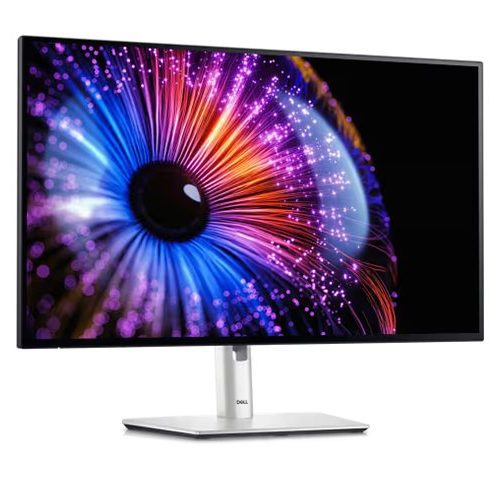
Dell UltraSharp 27 Thunderbolt Hub Monitor U2724DE (27″)
Original price was: R12429,00.R11619,00Current price is: R11619,00. Add to basket -
Sale!Office Monitors
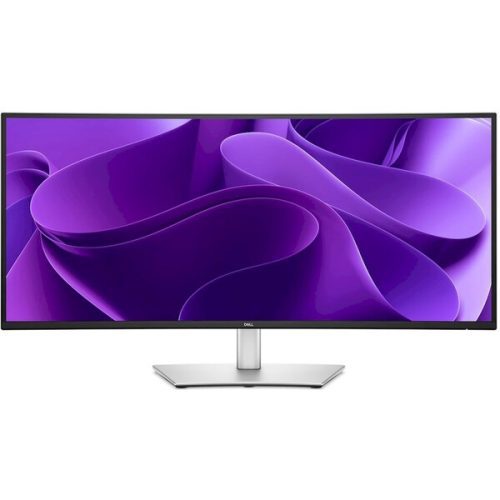
Dell Pro 34 Plus USB-C Hub Monitor – P3425WE, 86.5cm (34.1”)
Original price was: R12729,00.R11899,00Current price is: R11899,00. Add to basket -
Sale!Office Monitors
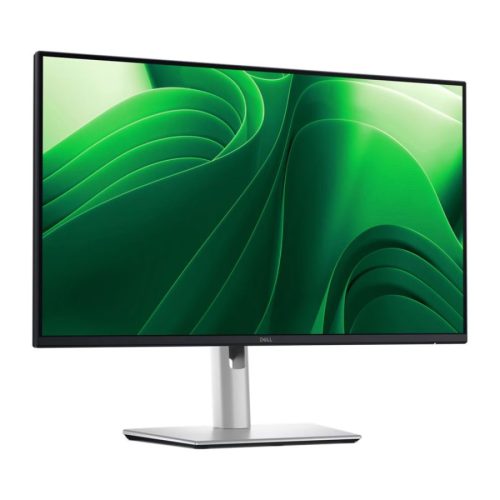
Dell Pro 24 Plus Monitor P2425D (23.8″, QHD)
Original price was: R5829,00.R5449,00Current price is: R5449,00. Add to basket


Reviews
There are no reviews yet.