
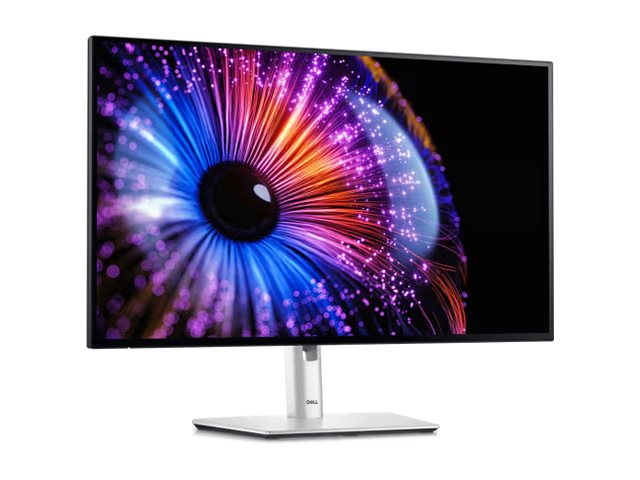
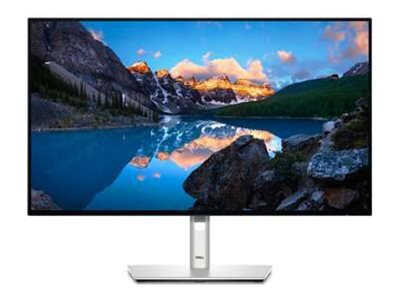
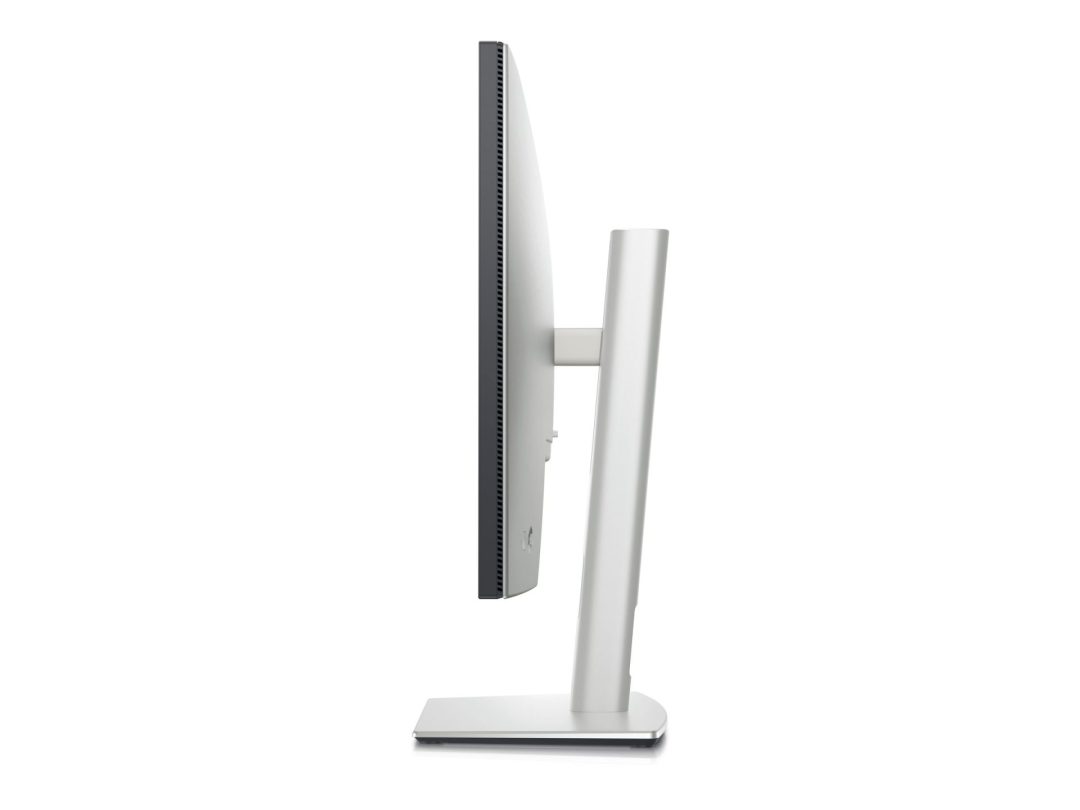
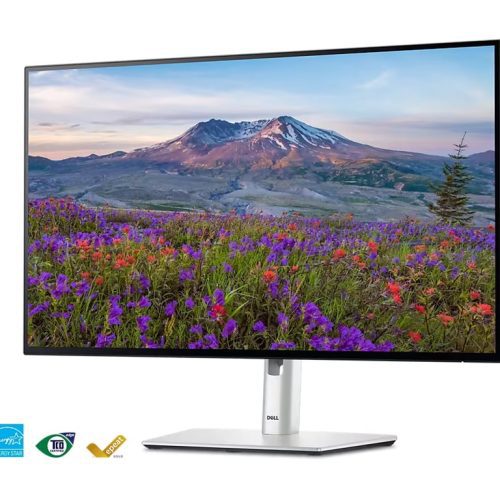
Dell UltraSharp 27 Thunderbolt Hub Monitor U2724DE (27″)
Original price was: R12429,00.R11619,00Current price is: R11619,00.
- Dell UltraSharp U2724DE 27″ QHD (2560×1440) IPS monitor
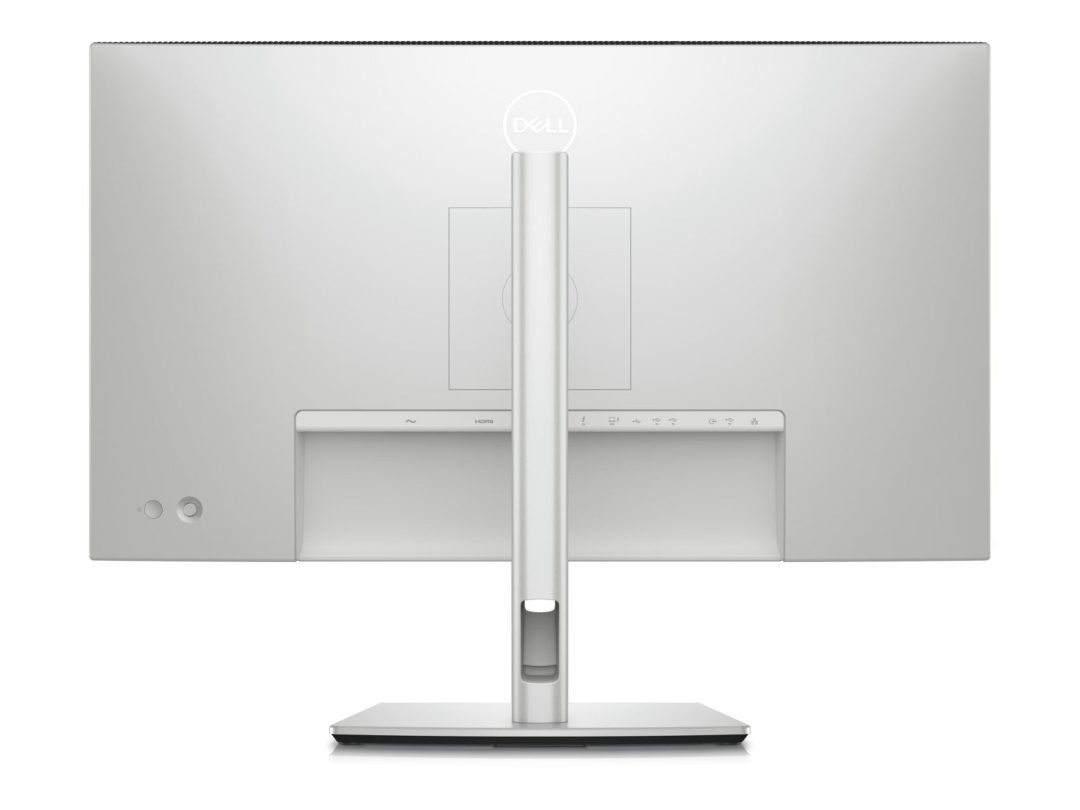
- Thunderbolt 4 hub with 90W power delivery
- USB-C, USB-A and downstream Thunderbolt 4 ports
- Daisy-chain up to two Thunderbolt monitors from one laptop port
- HDMI 2.0 input for secondary devices
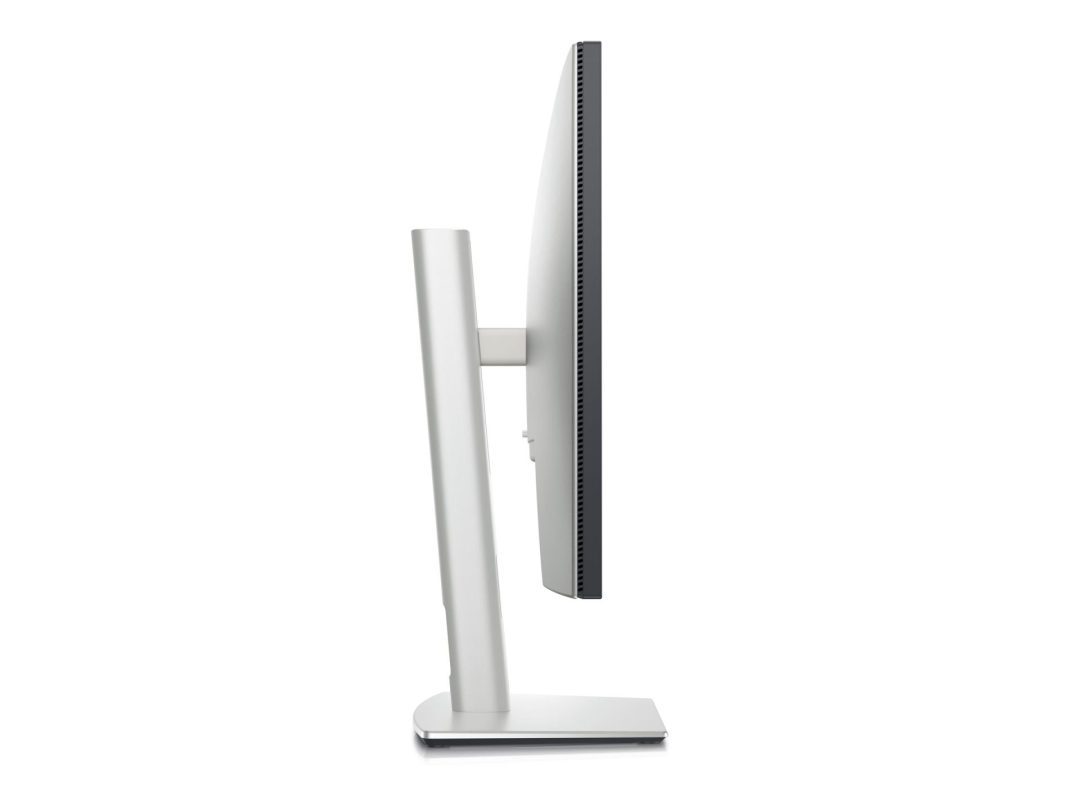
- Full ergonomic adjustment: height, tilt, swivel, pivot
Availability: 15 in stock
The Dell U2724DE monitor is a 27-inch QHD IPS UltraSharp display with a Thunderbolt 4 hub. It provides 90W laptop charging, daisy-chain monitor support and a USB hub in a single connection for South African Thunderbolt laptop users.
Dell U2724DE Monitor — 27″ QHD Thunderbolt 4 Hub
The Thunderbolt 4 upstream port connects a compatible laptop to the monitor with a single cable. This provides. It provides QHD output, 90W power delivery charging and 40Gbps data transfer to the monitor’s built-in USB hub. The QHD (2560×1440) IPS panel provides 123 PPI at 27 inches for sharp professional content. The downstream Thunderbolt 4 port enables connecting a second Thunderbolt monitor directly from the U2724DE. This expands to a dual-monitor setup from a single laptop Thunderbolt port. Find details at the Dell website.
Thunderbolt Hub Monitor for South African Power Users
South African professionals using Thunderbolt 4-equipped laptops such as Dell XPS, MacBook Pro and HP EliteBook will find the Dell U2724DE the most capable single-cable desk solution. The daisy-chain capability is valuable for creative professionals who want two monitors from a single laptop Thunderbolt port without purchasing a separate dock. 90W charging covers most business laptop charging requirements. Browse Thunderbolt monitors in the Monitors &. Projectors section at Briggi Tech.
Thunderbolt 4 vs USB-C Hub Monitors
Thunderbolt 4 provides 40Gbps bandwidth. This enables 4K display output, 40Gbps USB4 data and 100W power delivery over a single cable. Standard USB-C (without Thunderbolt) is limited to 10Gbps (USB 3.2) or 20Gbps (USB4 Gen 2), which restricts data transfer speeds from the monitor’s USB hub. The U2724DE’s Thunderbolt 4 hub provides faster file transfers from USB storage devices than equivalent USB-C hub monitors. Verify the laptop includes Thunderbolt 4 (not just USB-C) to benefit from the full Thunderbolt hub capability.
Only logged in customers who have purchased this product may leave a review.
Related products
-
Sale!
 Office Monitors
Dell Pro 27 Monitor E2725HM (27″, FHD, 100Hz)
Original price was: R3369,00.R3149,00Current price is: R3149,00. Add to basket -
Sale!
 Office Monitors
Dell UltraSharp 27 Monitor U2724D
Original price was: R9869,00.R9219,00Current price is: R9219,00. Add to basket -
Sale!Office Monitors
Dell Pro 27 Plus Monitor P2725H
Original price was: R4789,00.R4479,00Current price is: R4479,00. Add to basket -
Sale!Office Monitors
Dell 22 Monitor SE2225HM 21.5″ FHD VA
Original price was: R2129,00.R1989,00Current price is: R1989,00. Add to basket


Reviews
There are no reviews yet.