
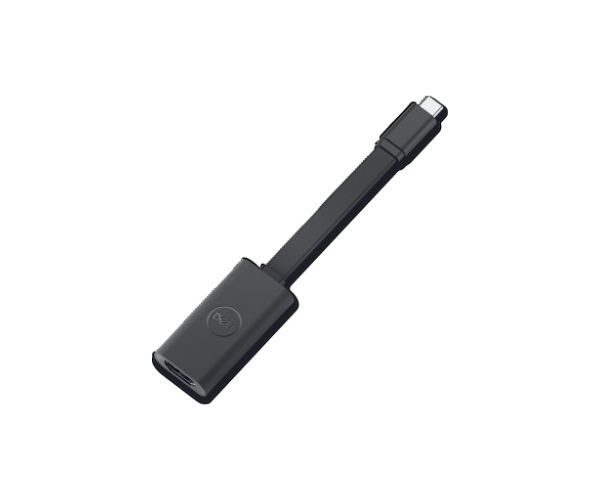
Dell USB-C to HDMI 2.1 Adapter
Original price was: R719,00.R669,00Current price is: R669,00.
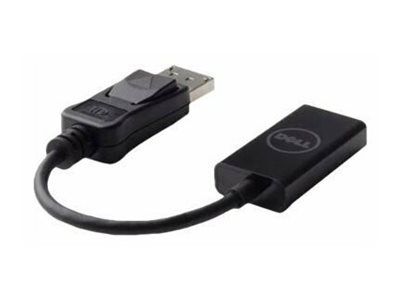
The Dell HDMI 2.1 adapter is the high-performance display adapter that converts USB-C or Thunderbolt output to HDMI 2.1 — supporting up to 4K at 120Hz or 8K at 30Hz for the most demanding display scenarios. HDMI 2.1 provides up to 48Gbps bandwidth, enabling high refresh rate 4K gaming displays, high-resolution professional monitors and the next generation of display technology from a USB-C source. It is the correct adapter for users who need HDMI 2.1 specifically for high refresh rate 4K gaming, professional 8K content workflows or HDMI 2.1 TVs and monitors.
- Dell HDMI 2.1 adapter
- Supports up to 4K at 120Hz or 8K at 30Hz
- HDMI 2.1 with up to 48Gbps bandwidth
- For USB-C and Thunderbolt source devices
- Official Dell adapter for validated compatibility
- Compact form factor for direct port connection
Availability: 74 in stock
Dell USB-C to HDMI 2.1 Adapter — 4K 120Hz and 8K Support
The Dell HDMI 2.1 adapter converts a USB-C or Thunderbolt port to HDMI 2.1 output — supporting the highest display specifications available on the HDMI standard. HDMI 2.1 provides up to 48Gbps of bandwidth. This enables 4K display output at up to 120Hz for high refresh rate gaming monitors, or 8K resolution at 30Hz for ultra-high-resolution professional content workflows. This represents a significant capability step beyond HDMI 2.0, which is limited to 4K at 60Hz and 18Gbps bandwidth. For users who specifically need HDMI 2.1 output — gaming at high refresh rates on a 4K display, or connecting to 8K displays — the Dell HDMI 2.1 adapter is the correct choice.
The Dell HDMI 2.1 adapter requires that the source device’s USB-C or Thunderbolt port supports HDMI 2.1 output capability. Not all USB-C ports support HDMI 2.1 — many are limited to HDMI 2.0 output even through a HDMI 2.1 adapter. Verify your specific Dell laptop or PC’s USB-C or Thunderbolt port specification to confirm HDMI 2.1 output support before purchasing. The compact form factor sits directly in the USB-C port on the source device. An HDMI cable connects from the adapter’s HDMI port to the display. As an official Dell adapter, it is validated for use with Dell systems for correct display output behaviour.
HDMI 2.1 Source Capability Requirement
The Dell HDMI 2.1 adapter can only output HDMI 2.1 signals if the source USB-C port supports HDMI 2.1 output. If the source port only supports HDMI 2.0, the adapter will output HDMI 2.0. Verify your source device’s HDMI output capability before ordering. Browse Dell adapters from the Briggi Tech accessories range. For full specifications, visit the Dell official website.
Order the Dell HDMI 2.1 adapter from Briggi Tech today. Unlock 4K 120Hz or 8K 30Hz display output from any compatible USB-C or Thunderbolt source device with the official Dell HDMI 2.1 adapter.
Only logged in customers who have purchased this product may leave a review.
Related products
-
Sale!
 Cables & Adaptors
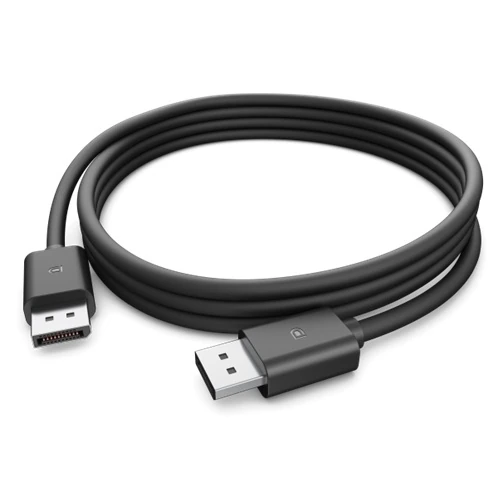
Dell DisplayPort 1.4 Cable 470-BDNL
Original price was: R319,00.R299,00Current price is: R299,00. Add to basket -
Sale!
 Cables & Adaptors
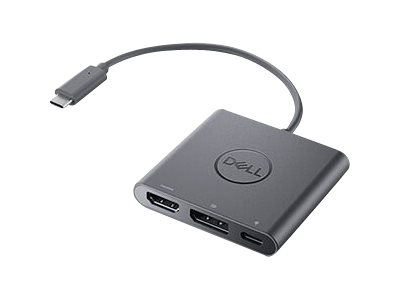
Dell USB-C to HDMI/DisplayPort with Power Delivery
Original price was: R1009,00.R939,00Current price is: R939,00. Add to basket -
Sale!Cables & Adaptors
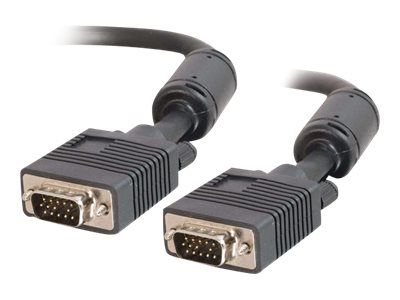
Dell VGA Cable Male-to-Male 1m Black
Original price was: R339,00.R319,00Current price is: R319,00. Add to basket -
Sale!Cables & Adaptors
Dell DisplayPort to HDMI 2.0 4K Adapter
Original price was: R529,00.R499,00Current price is: R499,00. Add to basket


Reviews
There are no reviews yet.